
Markdown you edit in place
Slash commands, tables, toggles, columns, a table of contents. However rich the editing, what is saved is a plain .md file you can open anywhere.
Nablix is a local-first notebook for Windows. Markdown, handwritten ink, runnable code and math — tools that used to live in separate apps, folded into a single page. No account, no cloud.
Free to start·No sign-up·Auto-updates
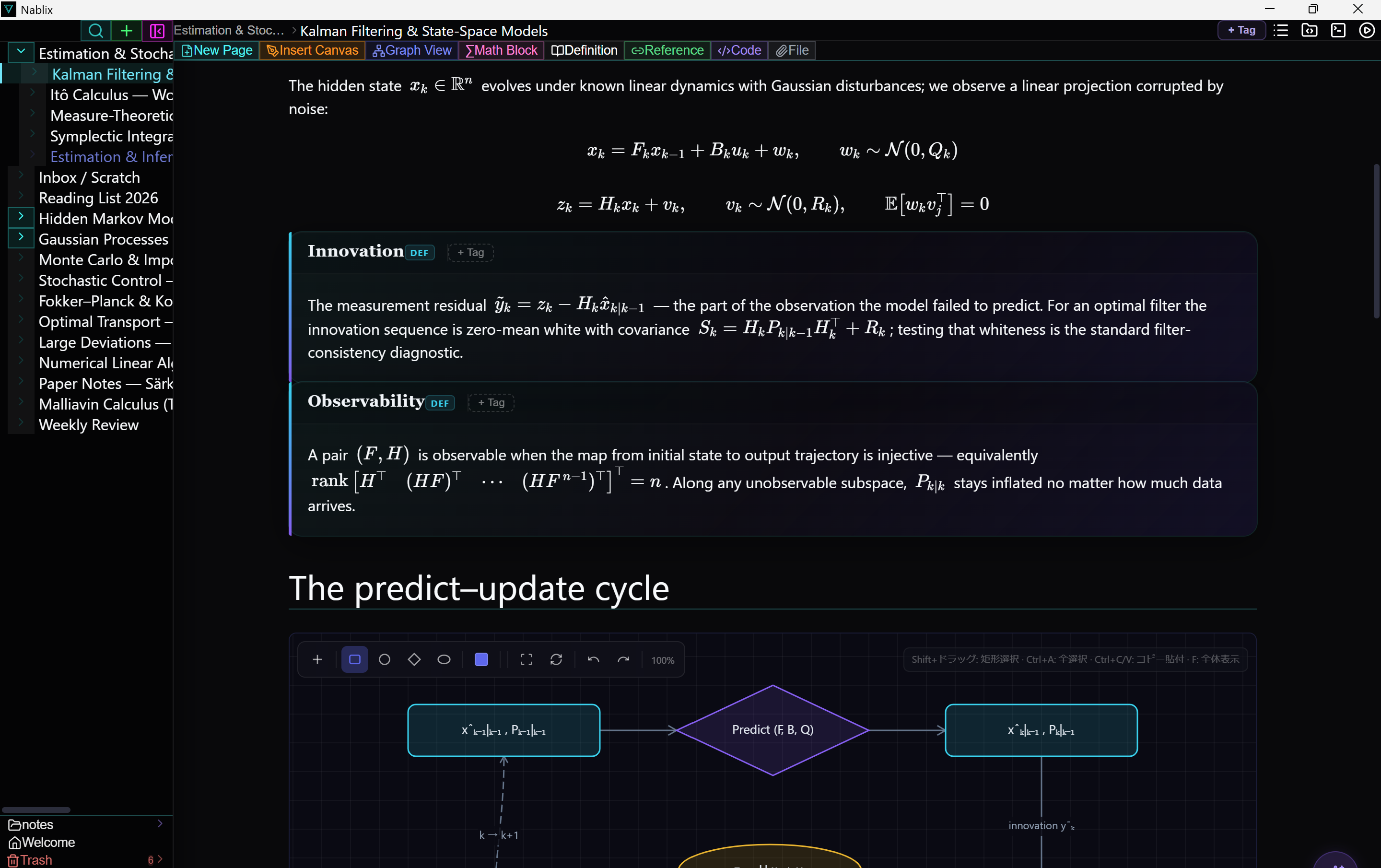
Notes, whiteboard, LaTeX editor, REPL — the focus you lost jumping between them comes back when they share one page.
Slash commands, tables, toggles, columns, a table of contents. However rich the editing, what is saved is a plain .md file you can open anywhere.
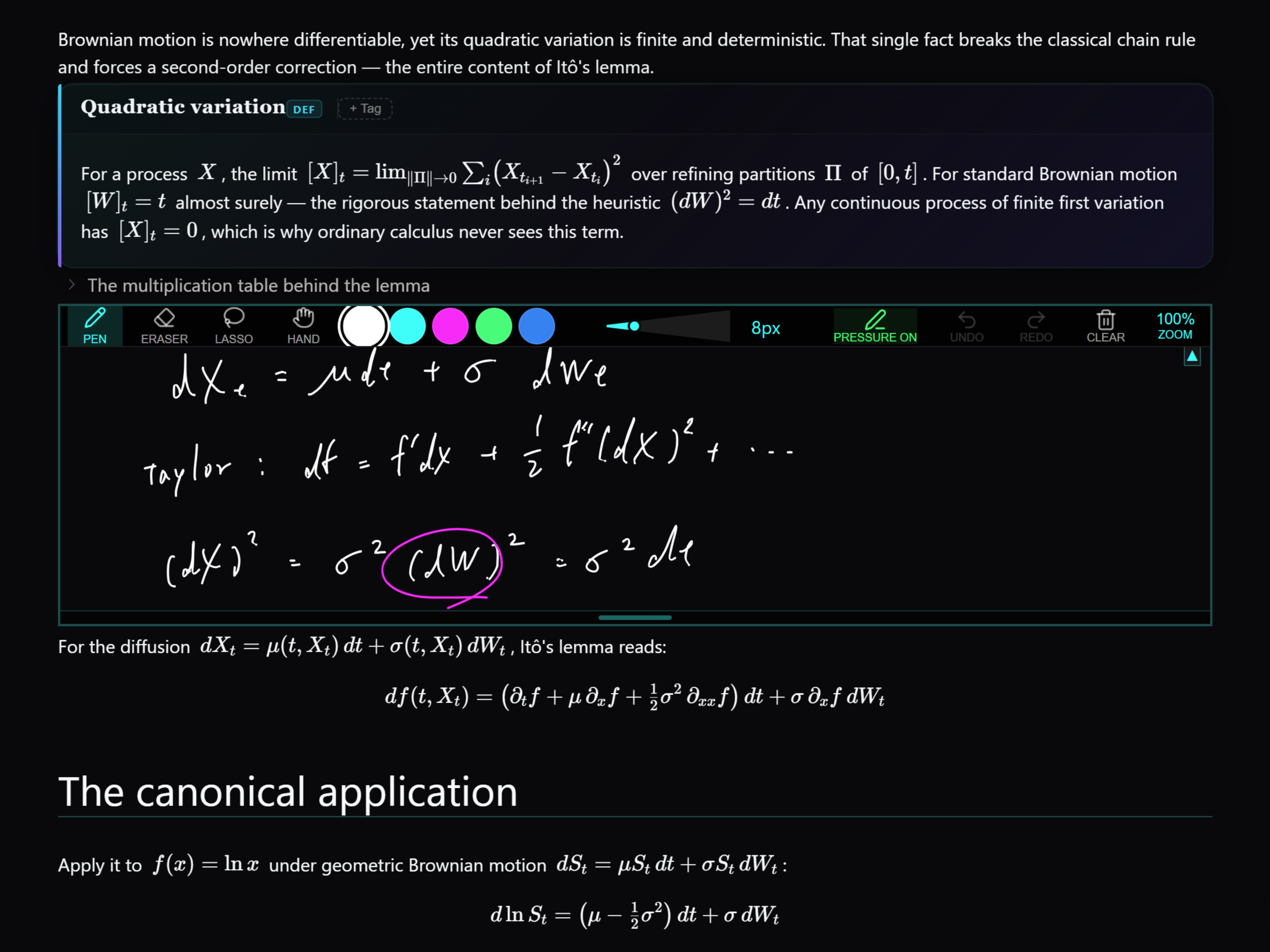
Drop a canvas anywhere in a note and write with your pen — or open a full-page whiteboard. Smooth, pressure-aware ink.
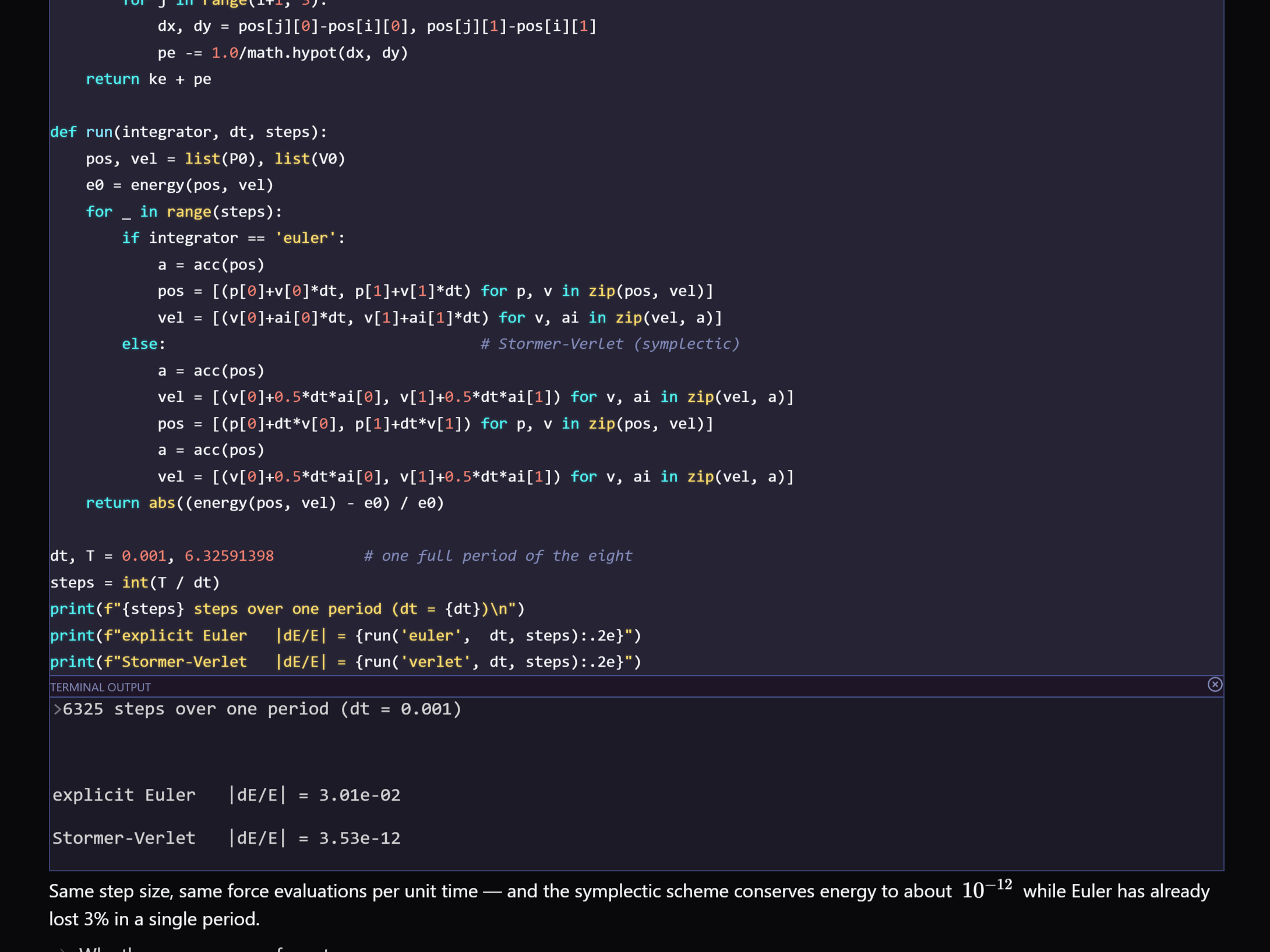
Run Python, TypeScript and more inside the page and keep the output right below the block. Every page has its own workspace folder, terminal included.
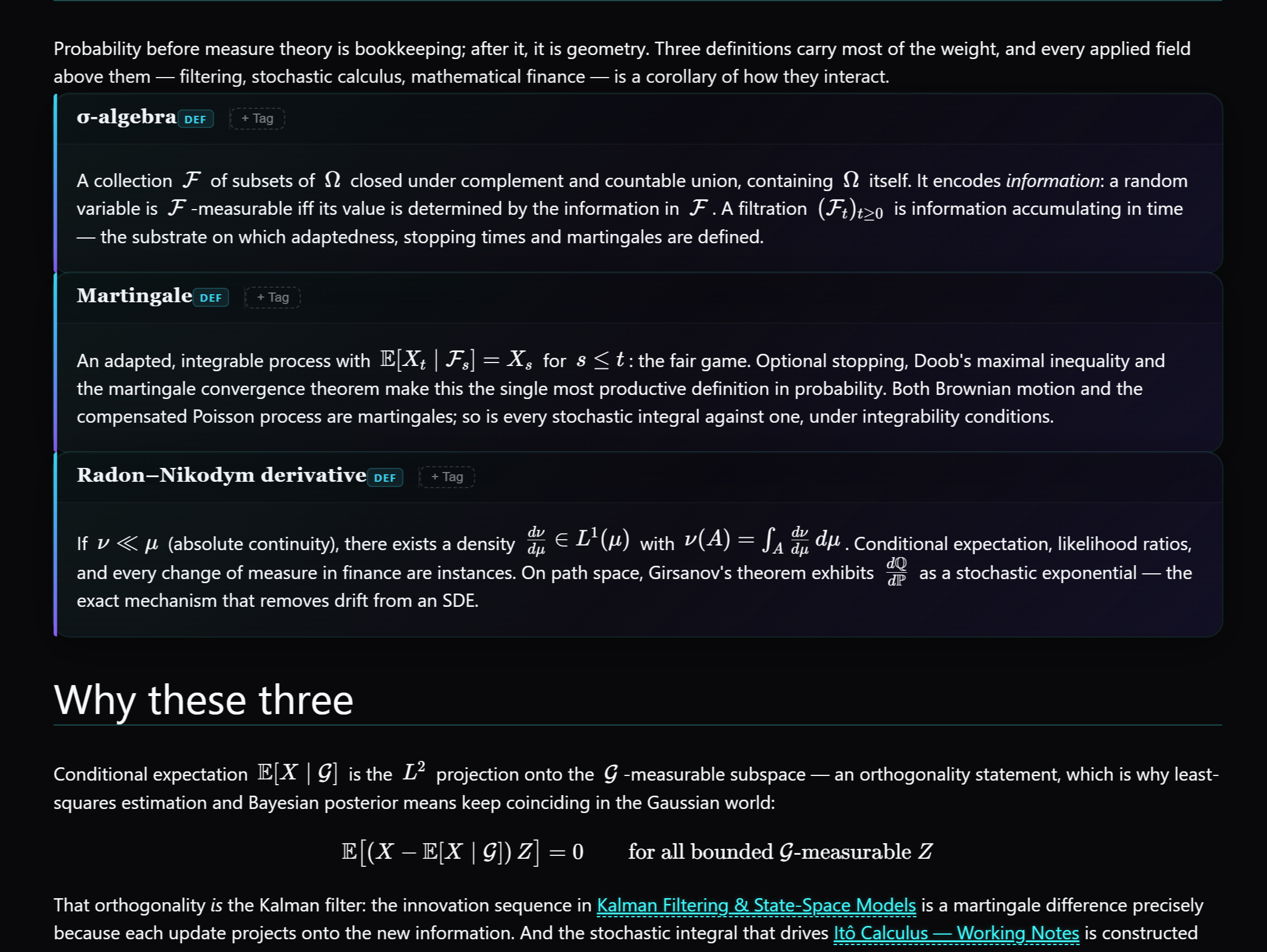
KaTeX with custom macros for fast math. Terms you define collect into a glossary automatically and pop up on hover from any page.
A local embedding model measures how close your pages are in meaning and draws them as a constellation. Search is semantic too, and once the model has been fetched the first time, all of it runs offline.
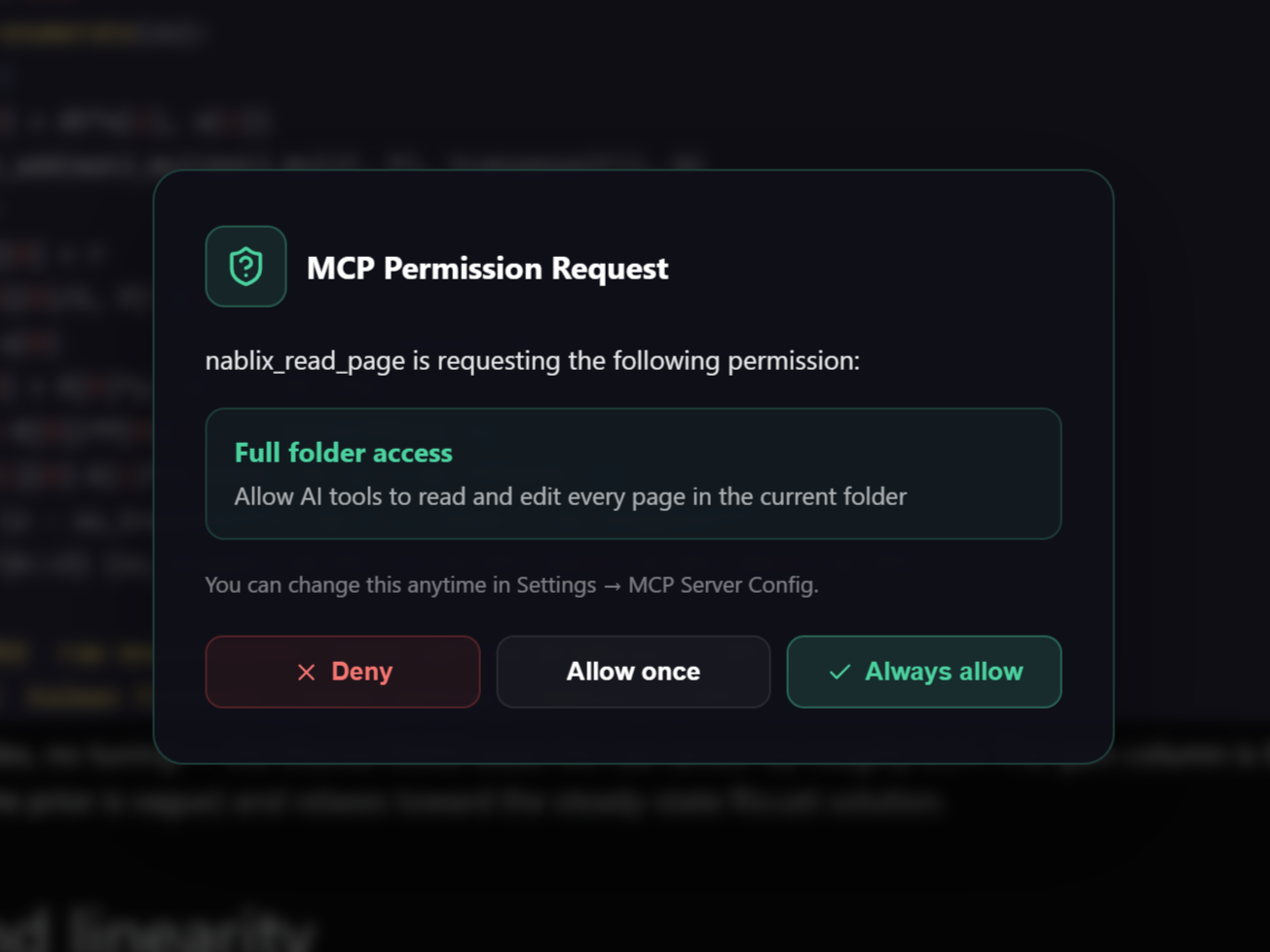
Plug in your OpenAI or Anthropic API key for chat and inline completion. A built-in MCP server lets tools like Claude read and write your notes.
When typing cannot keep up with thinking, just draw. Handwritten formulas are converted to KaTeX and set beautifully on the page.
A code block is not a screenshot of work — it is the work. Try, fix, and keep the result next to your thinking.
Definitions live across pages. The more you write, the more your glossary grows — and the map shows how everything relates.
Nablix has no AI subscription and no middleman server. Bring your own OpenAI or Anthropic key, or connect the agent you already use via MCP.
Nablix talks to the internet in exactly four cases: your AI calls (your key, your provider), license activation (Lemon Squeezy), update checks (GitHub) and a one-time download of the search model (Hugging Face). That is the entire list — and the privacy policy is short enough to actually read.
The free version covers the essentials. Paid plans lift the limits and unlock a few more features.
Unlimited pages and folders, inline AI completion, interactive Page Map.
See detailsEvery Pro feature, forever. No subscription, nothing to cancel.
See detailsEarly builds are not yet code-signed (a signing certificate is planned before 1.0). Every installer is built automatically from tagged source by GitHub Actions, and you can inspect each release on the releases page. Click 'More info' → 'Run anyway' to proceed.
Windows 10 and 11 (64-bit) today. The codebase is cross-platform and a macOS build is planned once the Windows version is rock solid.
In ordinary folders on your own disk — pages are files you can open, back up, sync or export with any tool you like. Nothing is uploaded to us. There is no 'us' server at all.
No. The recommended way to use AI with Nablix is the MCP integration: connect an assistant you already have — Claude Code, Codex, Cursor, Antigravity — and it works with your notes directly. There is also a built-in copilot that takes your own OpenAI or Anthropic API key, but it is far more limited and is no longer the recommended path. Nothing in Nablix depends on AI: every other feature works with no key and no assistant.
Nablix ships a built-in MCP server, so tools like Claude Code, Codex, Cursor and Antigravity can read and edit your notes as first-class context. Access is scoped to the page and workspace you currently have open — nothing else is exposed. You can also mark a page as off-limits to AI, by right-clicking it in the sidebar. That page and everything filed under it can then no longer be read or changed by any AI tool, the built-in copilot included.
Download Nablix, open a page, and let notes, ink, math and code finally live together.
Download for Windows Free · No account